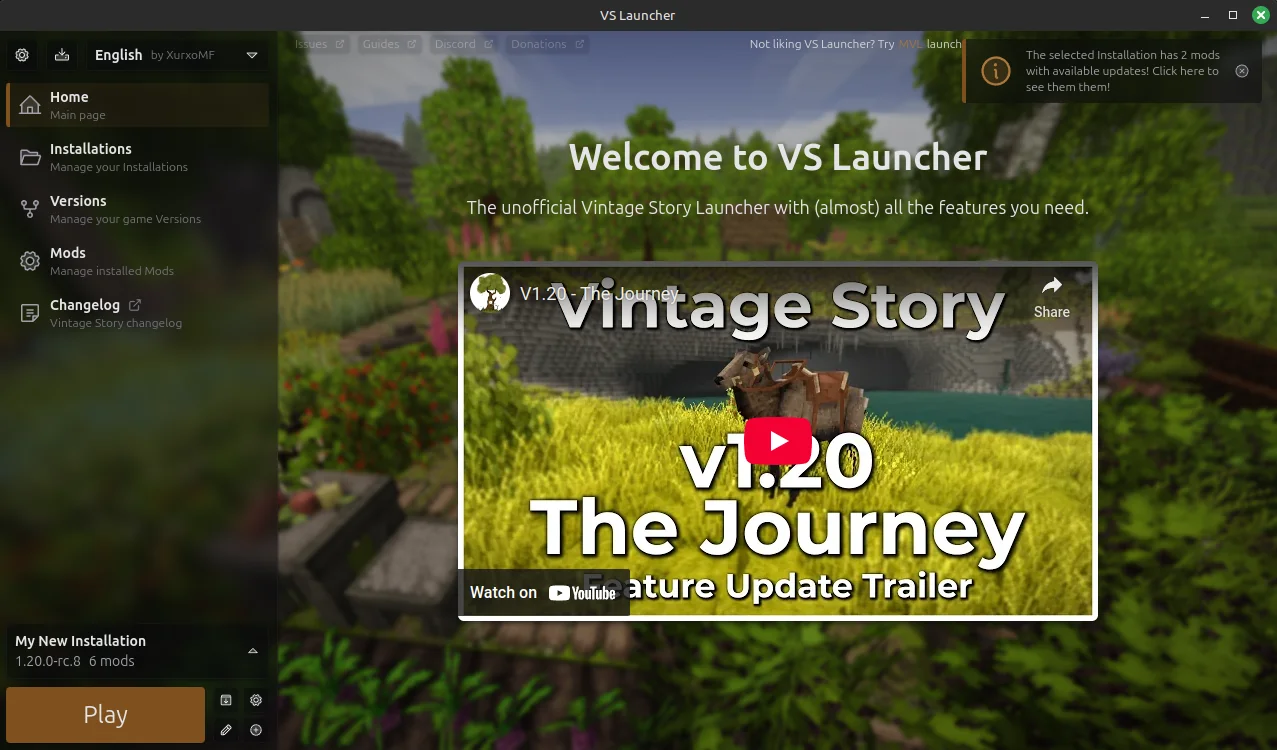
VS Launcher
Vintage Story, with multiple versions and without turning each installation into an archaeological excavation.
An unofficial launcher designed to install the game, separate worlds, configs and mods, make backups and switch versions without manually moving folders around.
- Type
- Desktop application
- Platforms
- Windows and Linux
- Status
- Archived
- License
- MIT
The problem
A game. Many ways to play it.
Vintage Story allows very different versions, worlds, and mod collections. The hard part wasn't opening the game: it was keeping everything separate, knowing which installation each thing used, and not breaking a save along the way.
The flow
From download to world in three steps.
- 01
Choose the game
Download the Vintage Story version you need or register one you already have installed.
- 02
Separate the data
Create a profile with your own worlds, settings, maps and collection of mods.
- 03
Click and play
The launcher prepares the installation, creates the automatic backup if applicable, and opens the game.
Under the hood
A complete desktop application.
The interface was built with Electron, React, and TypeScript. Behind it were downloads, compression and extraction of files, file system operations, semantic version control, automatic updates, and internationalization.