Project System In development

Gallaecia Dots

Arch on desktop or server. In Galician. Without setting up another distribution on top.

A set of dotfiles and an interactive installer to give you a small, updatable base that's easy to make your own. Because installing everything "just in case" is also a configuration. Just a worse one.

Base
Arch Linux
Status
In development
Type
Dotfiles
Platforms
Desktop · Server

A base, two paths

The same installer knows when a screen is not needed.

The selected mode persists on the system. Each installation and update applies only the packages, configurations and categories that correspond to it.

01 / Desktop

Arch to work and live in

Hyprland, Noctalia, greetd, XDG portals, multimedia and a selection of applications chosen during installation. The essentials to get started; the rest is up to you.

  • Complete interface with Noctalia
  • Themes that adapt to the wallpaper
  • Applications and defaults à la carte

02 / Server

Arch without unnecessary decoration

A base set up for terminal and SSH, with no graphical stack or desktop packages. Editor, administration, files, deployment, and network, according to what you choose.

  • No graphical environment
  • Tools by categories
  • Ready for remote administration

Minimalist and opinionated

Install a base. It doesn't decide your whole life.

Gallaecia installs the essentials first, then lets you choose the tools that interest you in each category. Repeated packages are installed only once, and applications can be set as default.

01

Only what you need

The rest remains optional.

  • A small base with each shared package installed only once.

02

Editable

Arch is in view, as it should be.

  • You choose the tools and default applications.

Installation

A command opens the assistant.

The installer prepares the minimum requirements, downloads the stable branch and guides the choice of mode, categories and applications.

Terminal
bash <(curl -fsSL https://raw.githubusercontent.com/XurxoMF/gallaecia-dots/release/install.sh)
The release branch is the source of installations; main remains for development.

What happens underneath

An installation that recalls what has already been done.

The new installations receive the current base. The existing ones only execute migrations that are not yet recorded, keeping the configuration controlled by the project separate from personal changes.

  1. 01

    Choose the mode

    Desktop or server. The choice is saved and subsequent runs respect it.

  2. 02

    Install the core

    Gallaecia prepares only the common base and the mandatory components of the chosen mode.

  3. 03

    Choose tools

    You select apps by category and, where applicable, which will be the default one.

  4. 04

    Update through migrations

    Existing installations only apply pending changes, in order and without repeating what has already been done.
Galician first

The system can also speak like us.

The installer, the settings themselves and the desktop use Galician as the main language. When an application does not offer it, the system tries Spanish and then English.

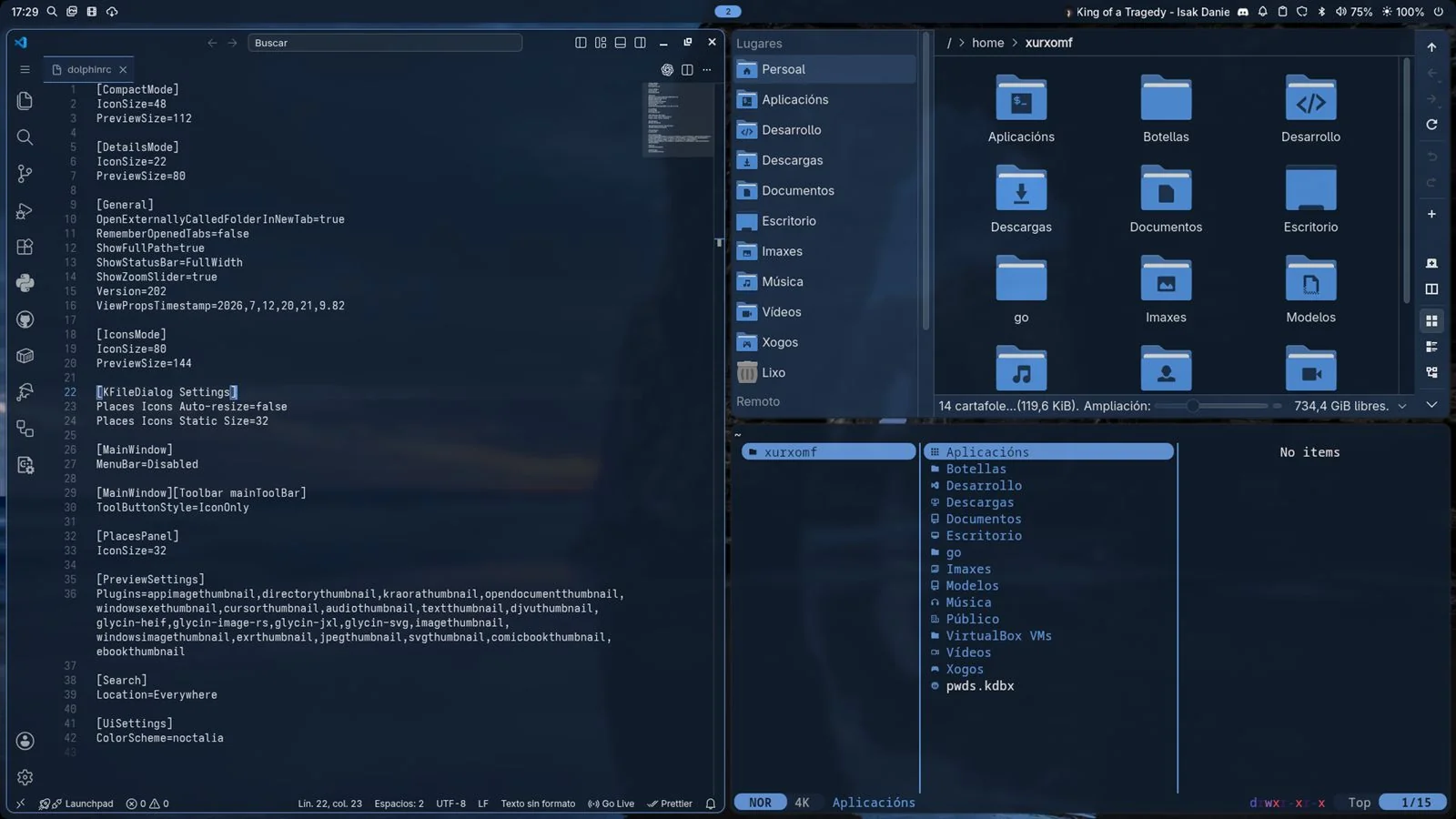
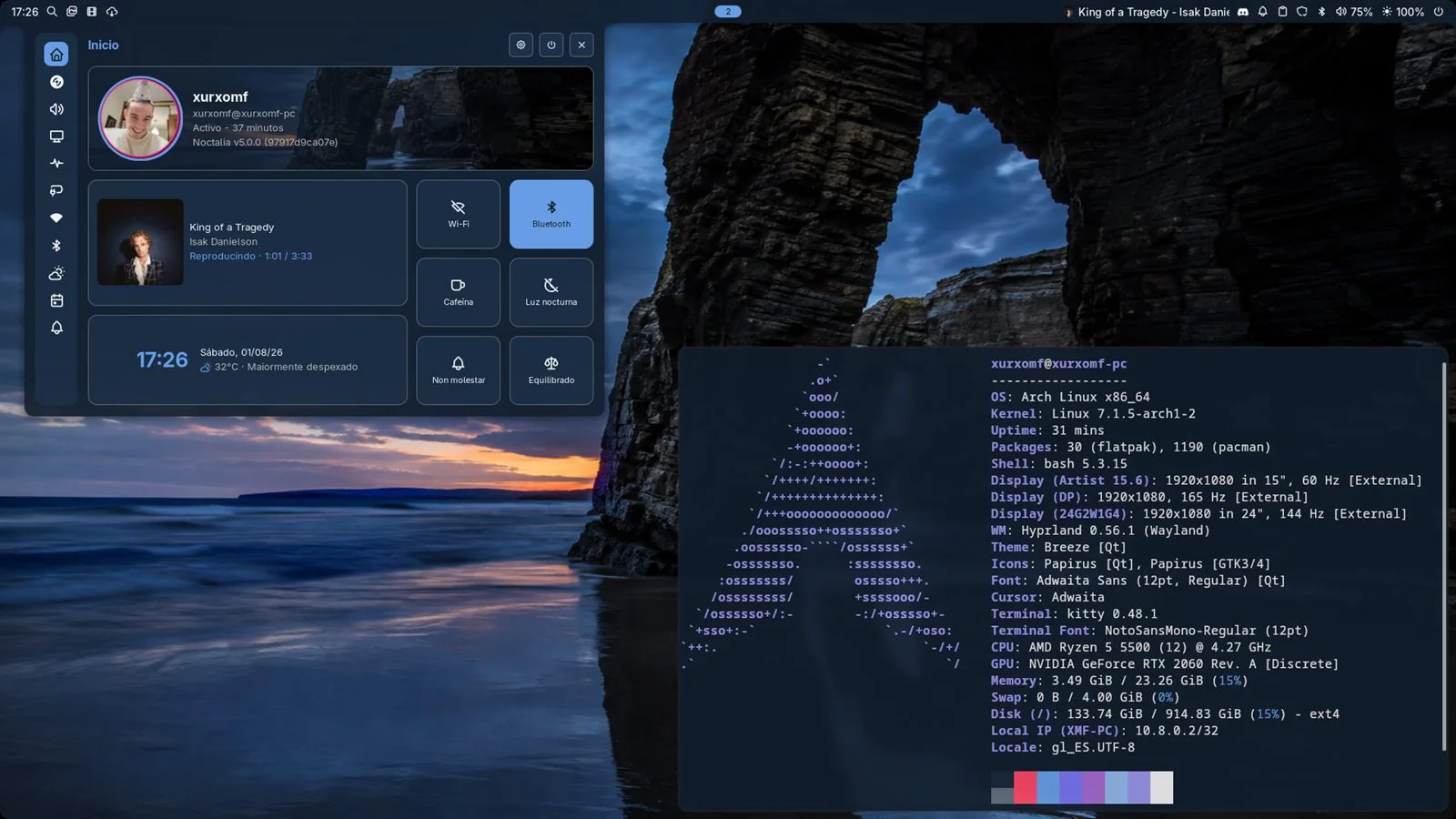
Gallaecia Dots desktop with dark theme

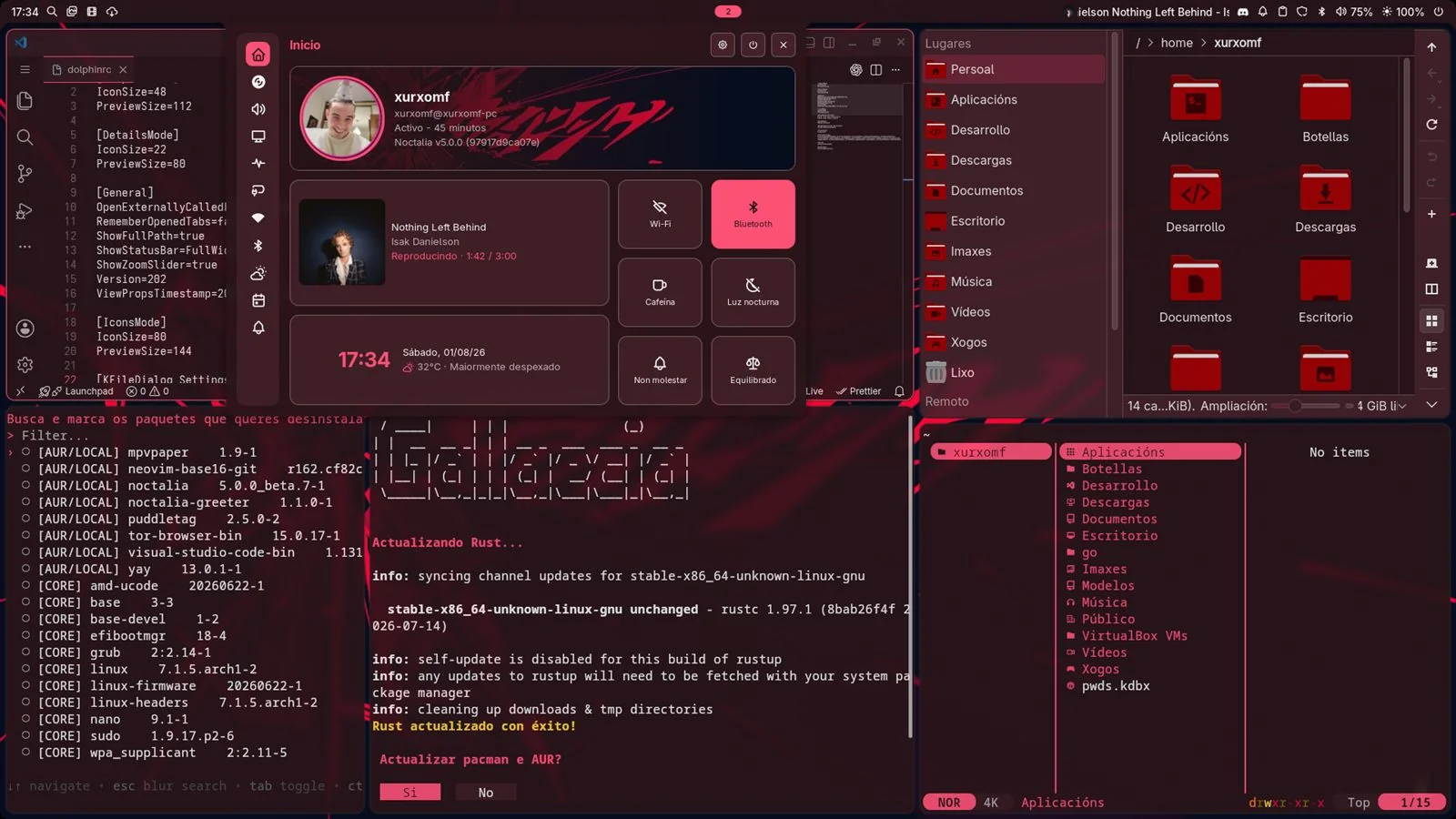
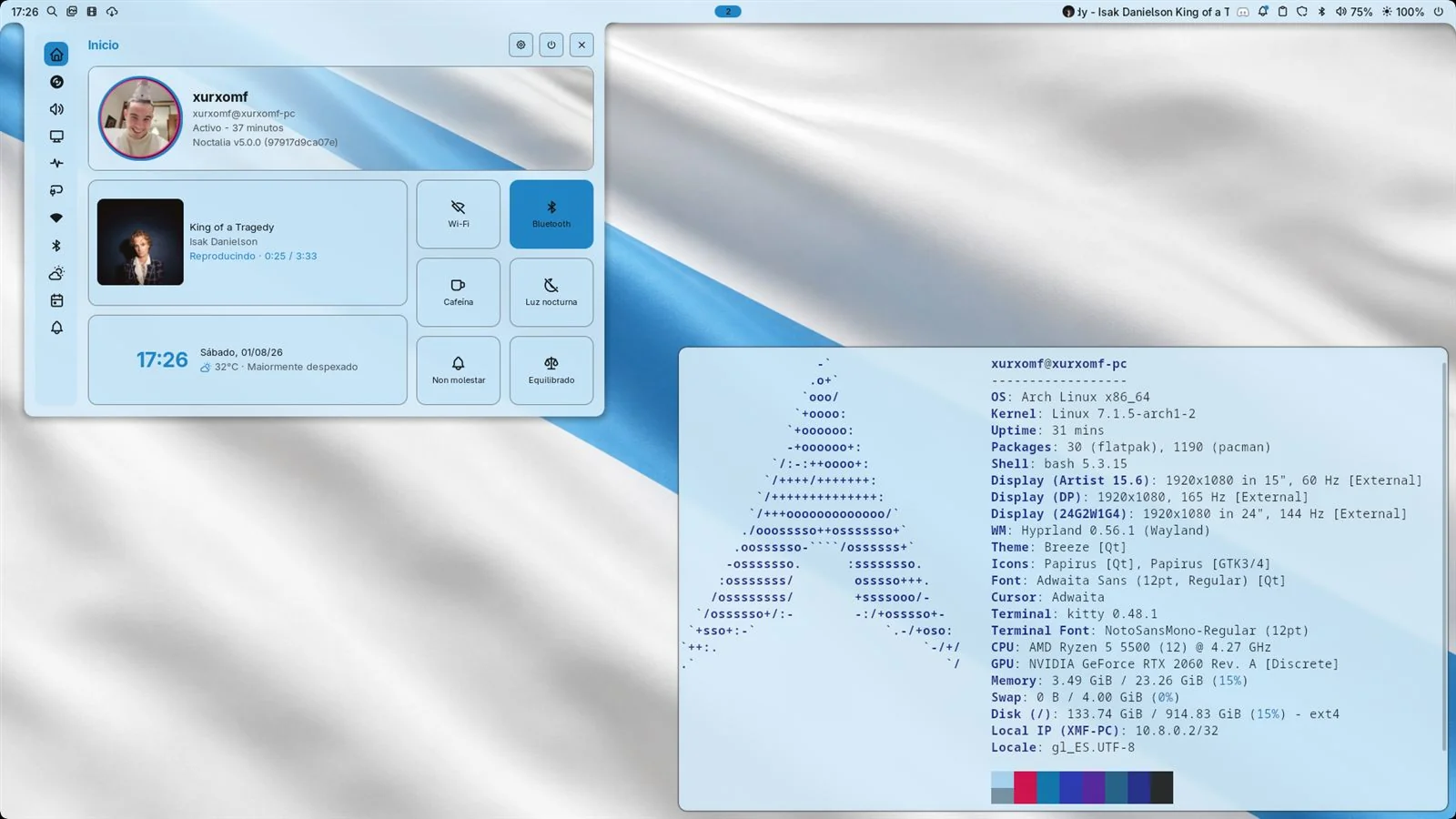
Gallery

Light, dark and whatever the background requires.

Noctalia maintains a consistent palette on the desktop and regenerates it when the theme changes.

Gallaecia Dots desktop with light theme
Gallaecia Dots applications with the dark theme
Gallaecia Dots desktop with a red theme matching the wallpaper

Contact

Shall we talk about your next project?

Got an idea, a website in need of a renovation or a computer that only works when the technician turns up? Tell me about it. I will explain clearly what can be done, whether it makes sense and what the next step would be.

Right now

Available for selected projects, collaborations and technical enquiries.

Usual response time
1–2 working days
Location
Salvaterra de Miño, Galicia